
DSE Classical Chinese
Read classical texts with translations and practise related questions.

DSE subjects · Vocabulary · Essays
From topic study to practice and mistake review, organise key points, clarify doubts and improve your answers.
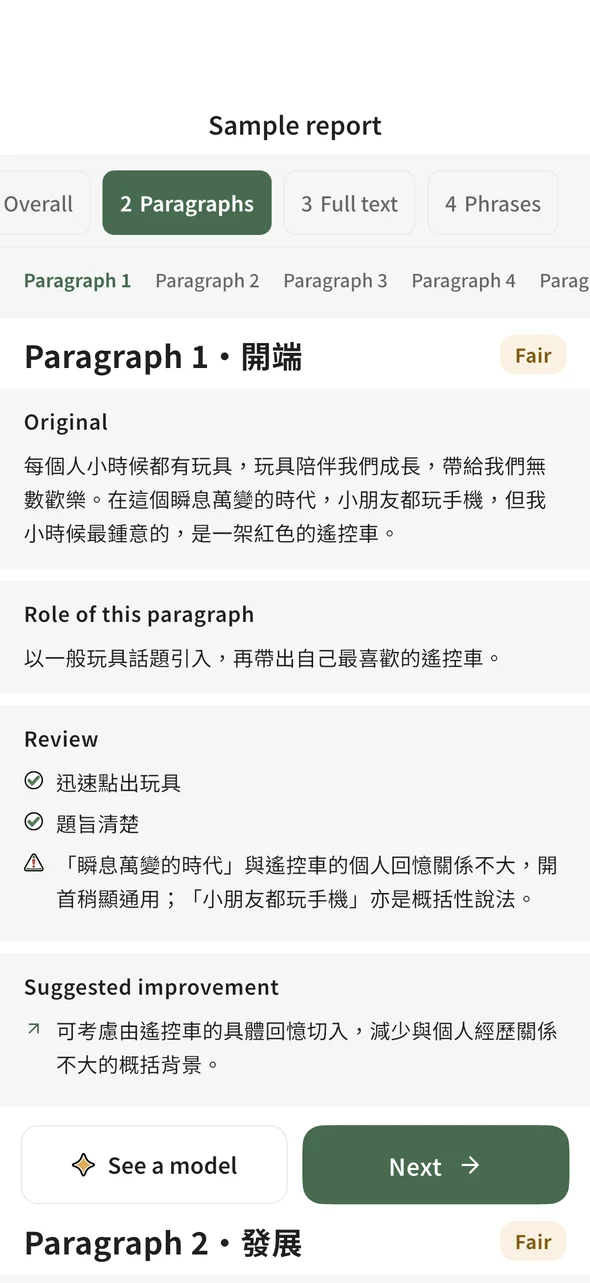
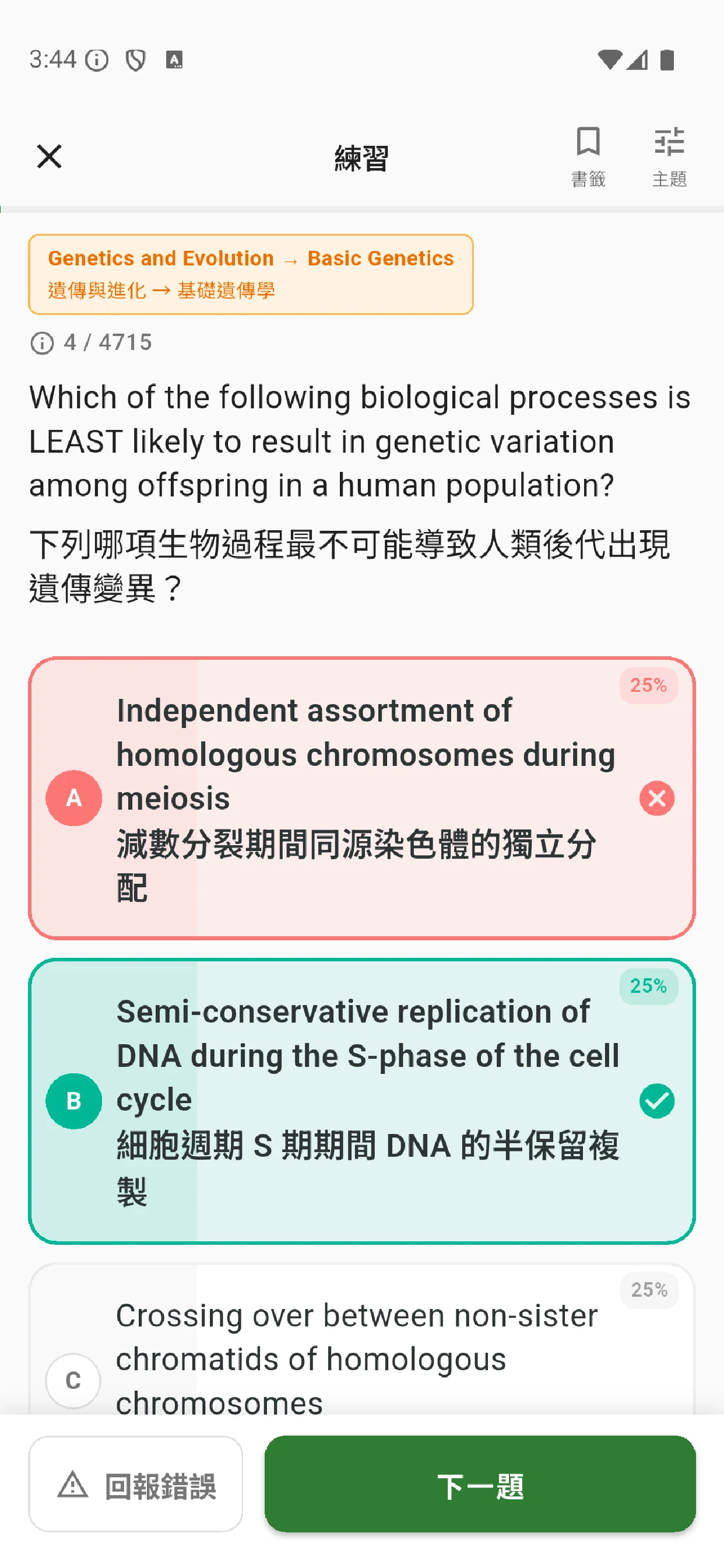
Biology topic diagrams and a Moshui feedback report
Study features
Study key concepts, ask AI for guidance, then reinforce your understanding with explanations and mistake review.
Features vary by app and question type. Moshui provides Chinese and English essay feedback. Illustrations show how features work.
Topic study
Find concepts, diagrams and key points in one place. Study their connections by topic.

AI teaching
Ask about an unclear step. Use AI explanations and examples to work through it.

AI feedback
Submit text or an answer photo. Read specific comments to see what to improve.

Detailed explanations
Follow the key words and worked steps to understand the method behind the answer.

Personal notes
Keep reminders and methods beside the question, ready to read when you return.

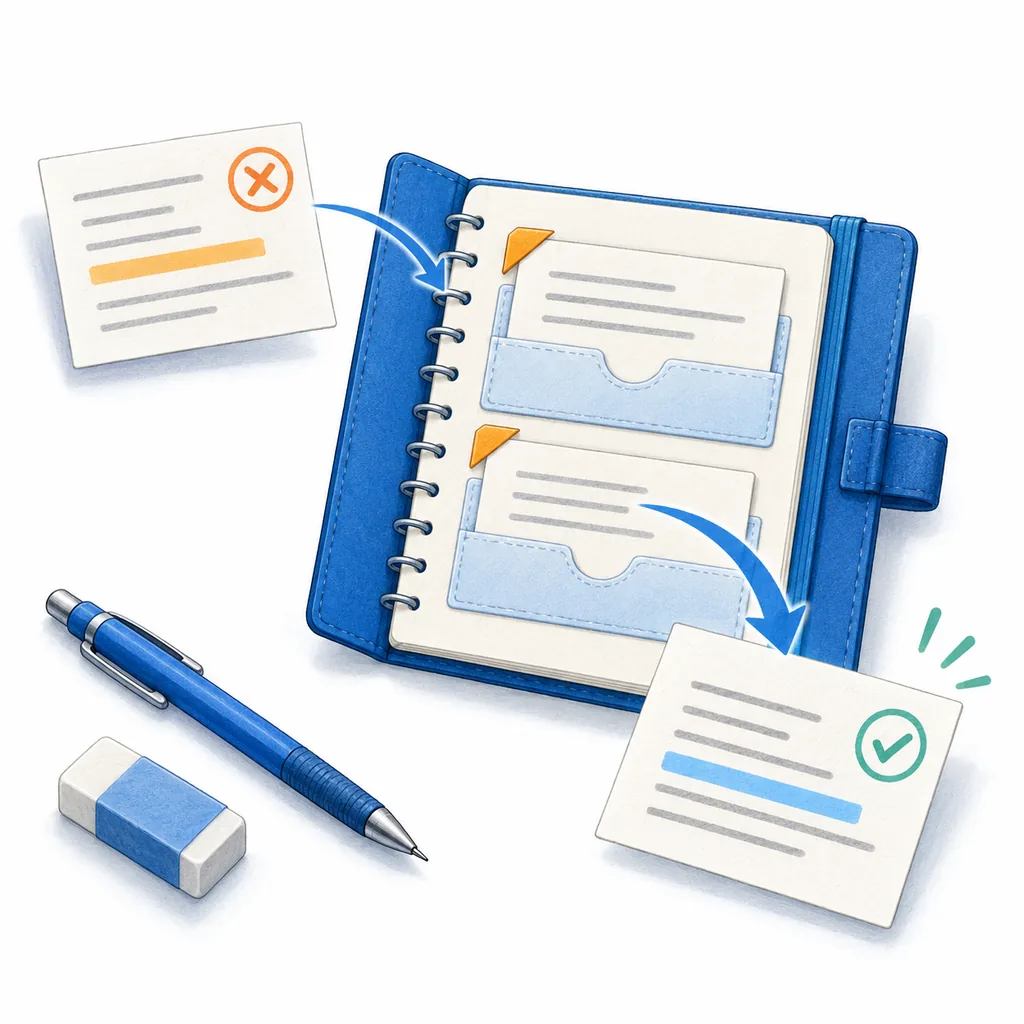
Automatic mistake collection
Skip copying out missed questions. Revisit them to reinforce what you have yet to master.
Subject apps
Each subject has its own app. Browse the tools and download directly.
Study compulsory mathematics and practise with formula references.
Use concept cards, calculations and reference tools to study chemistry.

Study concepts from cells to ecology, then practise related questions.

Understand physics concepts and apply formulas.

Study supply, demand, markets and macroeconomics.

Study geography concepts, map skills and data questions.
Analyse sources, compare events and practise related questions.

Organise events and institutions by dynasty, then practise.

Apply business, management and accounting concepts to scenarios.

Understand ICT concepts and practise related question types.

Study tourism and hospitality concepts, then practise.

Chinese and English essay feedback
Submit a Chinese or English essay by photo or text. Read comments beside your writing and revise each paragraph.
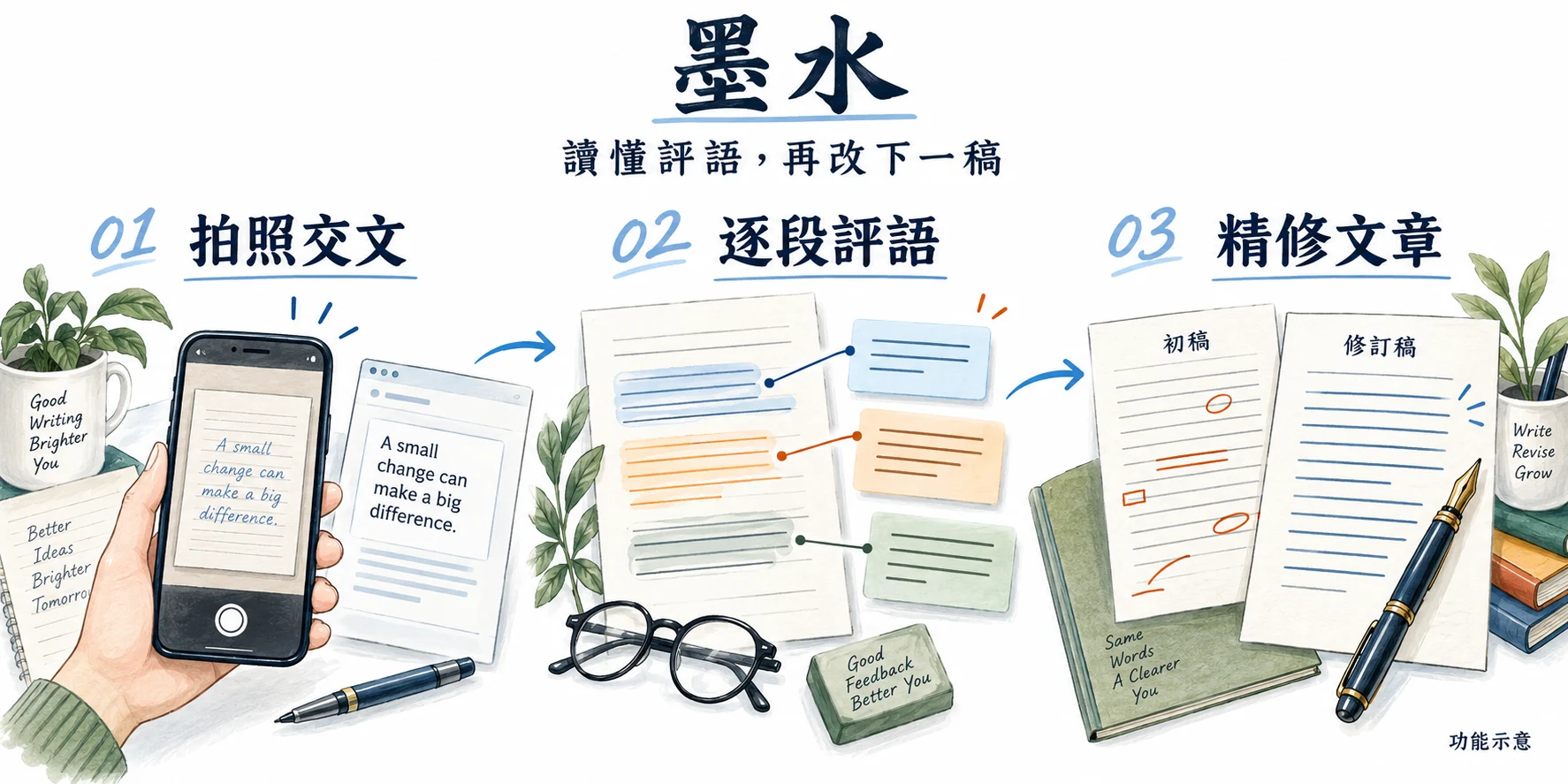
Submit a photo or text
Compare feedback with your work
Revise your next draft
Free study articles
Read topic notes and answer approaches, then practise related questions.
FAQ
Download only the subject apps you need. Each works independently. VocabShiba covers vocabulary; Moshui provides essay feedback.